Correction, 29 October 2026. The first version listed creator portrait states that do not exist, captioned two combat images as the camera tool and a skirmish, and claimed every release opens in a room. Those are corrected below. The first version remains readable in the journal's public history.
Journal history: the site as first published on 27 October
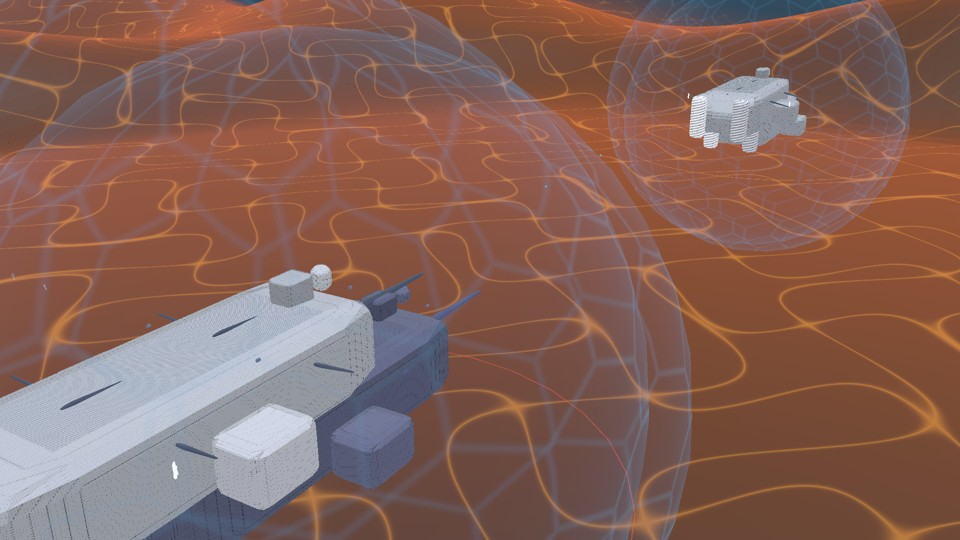
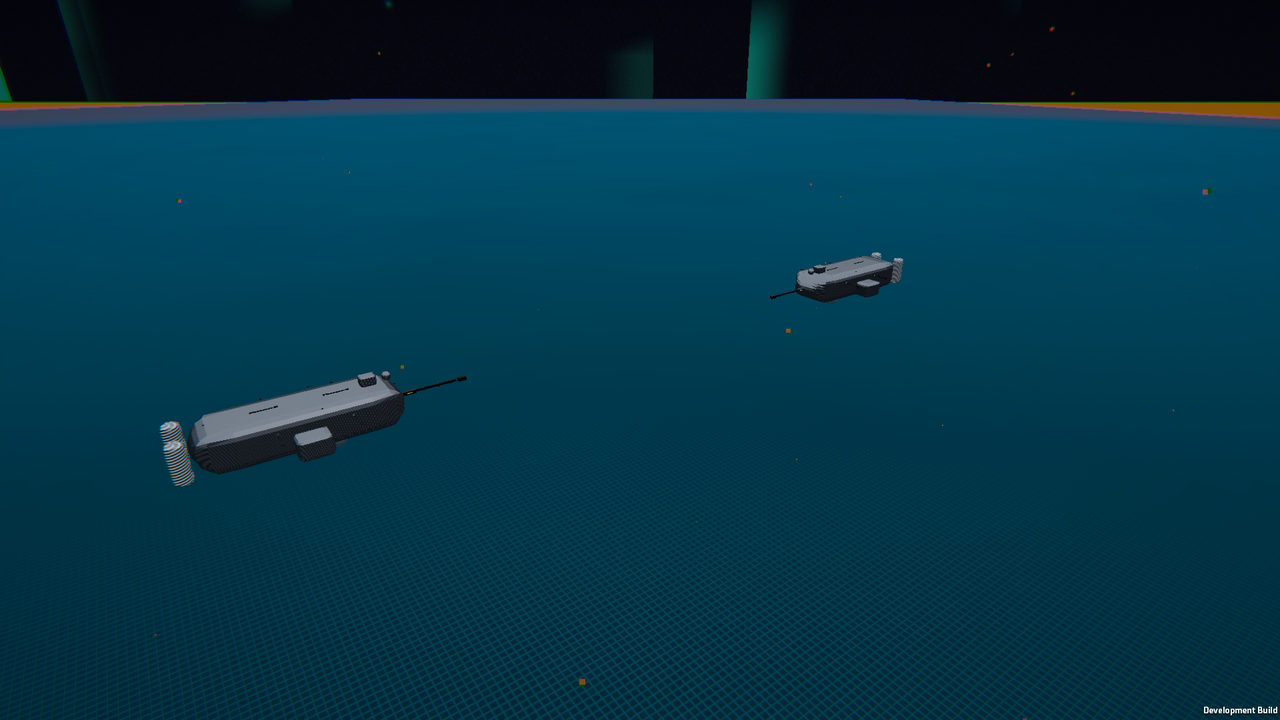
Most games treat their front door and their editing tools as two separate worlds: you click through flat 2D menus to start a session, and if you want to place props, change the camera lens, or set up a stream overlay, you alt-tab out to an external editor or OBS.
In Mainframe and Broadcast, the front door is a physical room, and the world you are about to play, sculpt or broadcast is already running inside the furniture.
1. The Miniature Mountain Range in the Floor
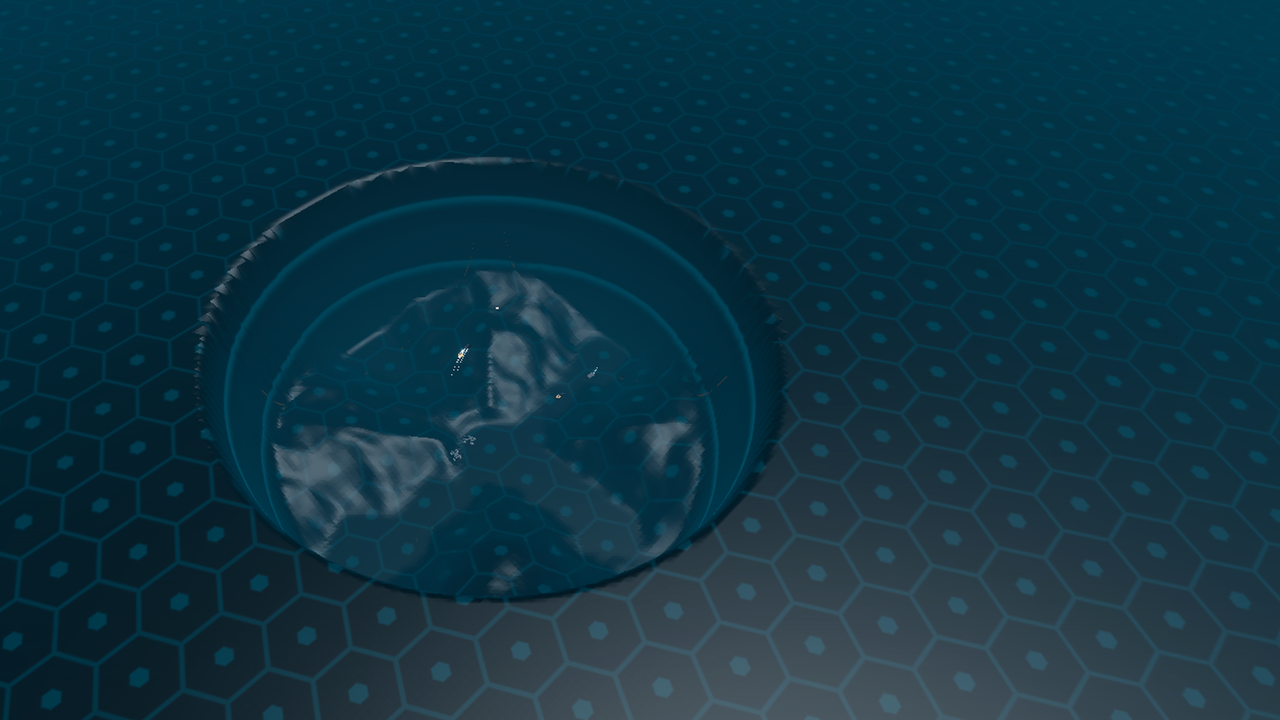
When Mainframe (liminal-mainframe) boots up, you are standing in a quiet dark-slate room with a hexagonal floor (Exhibit 1). Sunk into the floor at its centre is a circular well holding a live terrain basin, with peaks, valleys and tiny moving silhouettes.
That sunken table is not a pre-baked diorama mesh. It is Slot 0, a real simulation instance, scaled down and clipped to fit inside the well rim. You can open the Catalog to change the world inside it.
2. Pulling a Camera Rig Out of Your Pocket (Holo-Forge)
Because the world in the floor is already live, our level-sculpting and cinematography tools live in the same room rather than in a separate developer executable.
Pressing MATCH TOOLS opens the Holo-Forge and the Camera & display drawer over the viewport. Without pausing the simulation, you can switch between eight camera presets that change framing and motion:
• Telephoto and Hero change the lens: compressed long-lens framing, or a low angle looking up.
• Dutch and Orbit drift add a canted slow yaw, or a continuous orbit, for unattended views.
• Ground skim drops to a low tracking shot over the terrain.
3. The Broadcast Room (liminal-broadcast)
Broadcast (liminal-broadcast) builds on the same room, live world and camera presets.
Instead of asking a streamer or developer to stitch together a game capture window, a separate portrait app and a scene switcher, the Broadcast release turns the room into a two-shot studio:
• Stage left: a holo-table runs the live simulation, with camera cuts.
• Stage right: a layered 2D creator portrait with idle, interested, excited, concerned, amused, thoughtful, gaming and vibecoding poses, and audio-driven talking motion.
Whether you are stepping into a 240p memory toy, flying over a cloud layer or hosting a live devlog from behind a holo-table, the principle is the same: the tools sit in the room with the world.